







Personalization Guide


CardsMyLegend™ – We create it all, you just enjoy the magic

1. Upload Your Photo
Upload your favorite photo, and we’ll take care of the rest. No editing needed, just choose a clear picture and get started.

2. Personalise & Preview
Customize your card with names, stats, and details, then preview your design live before ordering.

3. Expertly Finished
Once your order is placed, our team carefully enhances every detail to create a high-quality and authentic final card.
Trusted by Fans Worldwide
Shop Cards


SOC Card 01


SOC Card 02


SOC Card 03


SOC Card 04


SOC Card 05


SOC Card 06


SOC Card 07


SOC Card 08
Frequently asked questions
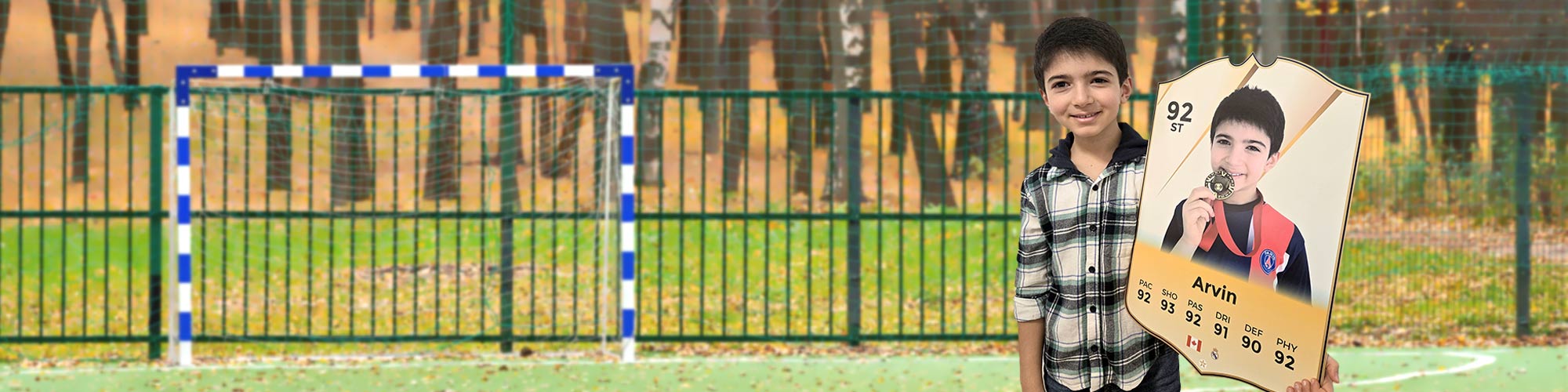
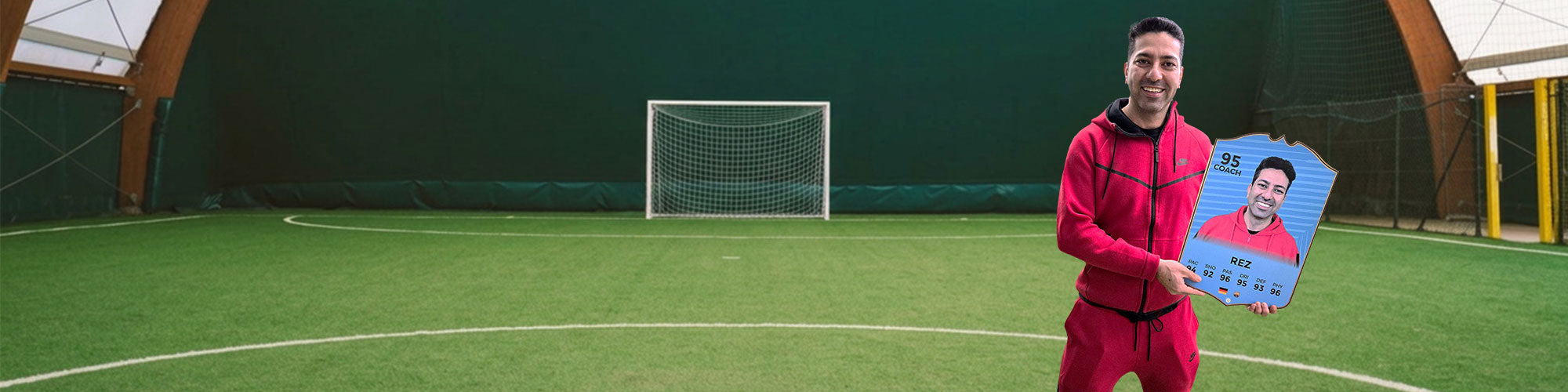
CardsMyLegend is the home of personalized sports cards and products loved by fans around the world. Our easy-to-use card builder allows you to create a real sports card featuring your own name, photo, and skill ratings.
After you customize your card, our team professionally edits your photo to bring it to life in high-quality detail. You’ll review a full preview before placing your order, and every card is produced using premium equipment to ensure excellent results.
CardsMyLegend products make great gifts, celebrate achievements, and are perfect for collectors.
Creating your personalized sports card with MyLegend is simple and fun. Start by choosing your preferred card design, then follow our easy step-by-step card builder.
Upload your photo, add your name, and customize your player details such as position and skill ratings. You’ll be able to preview your card as you design it, so you can make sure everything looks just right.
If you need assistance, you can check our guides or contact our support team anytime at orders@cardsmylegend.com.
At MyLegend, you can choose from premium materials to create your perfect card. Our standard cards are made from high-quality Foamex, a strong and durable material with a smooth gloss finish (not paper or basic foam).
We also offer Acrylic cards, which provide a sleek, modern look with a clear, glass-like finish for a more premium appearance.
Both options are designed to be long-lasting, high-quality, and perfect for display or gifting.
- Choosing a selection results in a full page refresh.